

Support & Help Center
Have a question about training, certification, technical access, or anything else related to TTCP? We’re here to help. Most inquiries receive a response within 1 business day.
How-To Videos
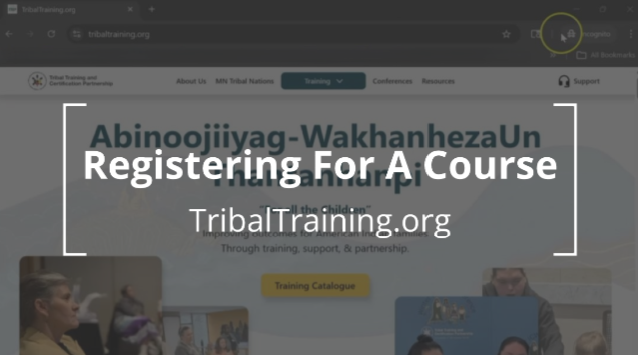
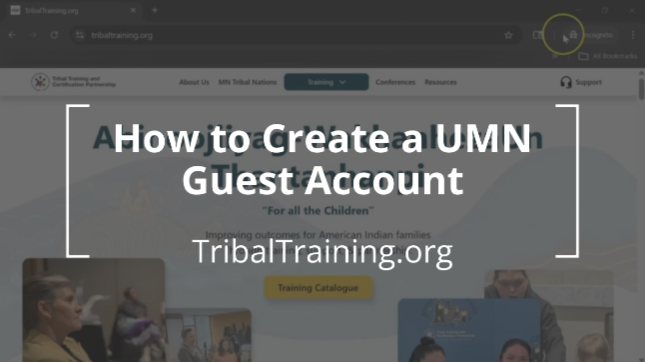
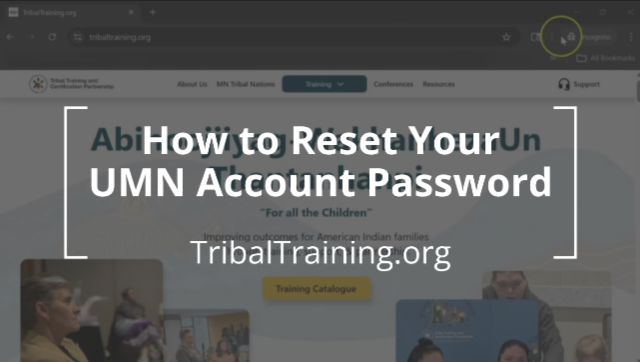
If you're new to TTCP or need help navigating the training catalog, start with these short walkthrough videos. They cover the most common questions and steps.
Frequently Asked Questions
Find quick answers to common questions about registration, training requirements, certification, and technical access.
If you have a University of Minnesota (UMN) guest account and are unable to register for a course, one of the following issues is usually the cause:
1. Your UMN password needs to be reset
If you haven’t logged in recently, your password may have expired.
What to do
- Visit the UMN password reset page
- Find your Guest Account ID
- Follow Instructions to Reset your password, Using Your UMN Guest ID# as the User Name
- Once Reset, Log back in and try registering again
2. You have already completed this course
If you previously took the course, the system may block re-registration.
What to do
- Contact the TTCP training team
- We can override the restriction if re-enrollment is required
Still having trouble?
If none of the above steps resolve the issue, please contact us with:
- Your full name
- Email address
- Course title
- Screenshot of the error message (if available)
We’re happy to help get you registered.
If you’re registered for today’s training but can’t find the Zoom link, please check the following locations:
1. Canvas course homepage
The Zoom link is posted on the Canvas course homepage for your training.
What to do
- Log in to Canvas using your UMN account
- Open the course you’re registered for
- Look for the Zoom link on the homepage or in the course announcements
2. Your UMN email inbox
You should have received a confirmation or reminder email that includes the Zoom link.
Important
- The email is sent to the email address connected to your UMN guest account
- Check your spam or junk folder if you don’t see it
Still can’t access the link?
If you’re unable to access Canvas or can’t locate the email, please contact the TTCP training team and we can provide you with a direct Zoom link.
When reaching out, include:
- Your full name
- Course title
- Date of the training
If you completed Foundations of ICWA or MIFPA, your training record can be found in one of the following systems:
- Your MNCWTA Portal training record, or
- The UMN DORS training record system
These systems maintain your official completion history for Foundations-level training.
All other TTCP trainings
For all other courses, CEUs are generally provided directly through Canvas.
What to expect
- Once your attendance and completion have been graded, a CEU document will be available
- The document includes your name and course details
- You can download it directly from your Canvas course
Important note about timing
Grading timelines vary depending on the training format, such as: Live sessions and Asynchronous (self-paced) courses. Please allow time for grading to be completed before looking for your CEU.
Can’t find your CEU or training record?
If you believe you’ve completed a course and don’t see your CEU:
- Double-check the appropriate system listed above
- Confirm grading has been completed
- Contact the TTCP training team if you still need assistance
Including the course title and date will help us support you more quickly.
Enrollment limits for TTCP trainings are set intentionally to support meaningful learning, discussion, and participant–trainer interaction.
Why our class sizes are small
Many TTCP courses, including Foundations of ICWA / MIFPA and Advanced ICWA, cover complex and emotionally significant content. Smaller class sizes allow us to:
- Create space for thoughtful discussion
- Support participant questions and reflection
- Ensure trainers can engage meaningfully with each learner
Our trainers bring both professional expertise and lived experience, and smaller groups help preserve the depth, safety, and relational nature of the training.
Typical enrollment limits
- Foundations of ICWA / MIFPA: up to 18 participants
- Advanced ICWA: up to 10 participants
These limits help maintain the quality and integrity of the learning experience.
Can exceptions be made?
In some cases, enrollment may be increased based on individual circumstances. However, this is not guaranteed and is considered carefully to avoid compromising the learning environment.
If you believe an exception may be needed, please contact the TTCP training team to discuss your situation.
Need Help?
Submit a support request and our team will follow up.

Contact us
The Tribal Training and Certification Partnership (TTCP)
For general inquiries, please include organization name & role in your message.
Office
We are located in Duluth's Tech Villiage above Pizza Luche

.svg)
.svg)
.svg)